Step 1 of 3 · 25% threaded
Plan
Pick a board, print the real-size template and check the 50 mm line.
 StringArtGen
Choose a board and thread, add a photo or a geometric study, and get the exact order to wind it. The guide keeps your place until the last connection.
Free without an account. Photos are processed on your device. Templates print at real size.
Eight complete looks, each on its own board shape. The threads change colour in order along one path, so every piece can be wound nail by nail. Open one to change the board, the shape or the threads.
Pick a board, print the real-size template and check the 50 mm line.
Follow one large nail-to-nail card at a time; voice and keyboard keep your hands free.
Every connection threaded. Mark the piece finished when it is on the wall.
One continuous thread wrapped rim to rim; line density builds light and shadow — the approach popularised by Petros Vrellis.
Upload a well-lit face; Balanced or Detailed; black thread on a light board, or white thread on a dark one.Straight chords that join nail n to nail 2n trace a heart-shaped envelope — the curve stitching Mary Everest Boole taught with cards and thread.
Studio → Image → Geometric studies → Cardioid.Times-four chords make a threefold flower; change the board outline and the same rule blooms differently.
Studio → Image → Rosette bloom, then try Hexagon or Heart under Board.The board edge is part of the drawing. Import one closed SVG outline and nails follow its contour.
Studio → Board → Your SVG.Up to ten threads laid in order, each optimised against the photo — related to the chromatic thread fields of artists like Gabriel Dawe.
Studio → Thread → Match this photo, CMYK or another palette. Test with real thread first.Leave light areas bare so the board itself becomes the subject. Works today through contrast and brightness.
Studio → Image → Frame the photo: raise brightness, strengthen contrast.Letters need several outlines with holes and interior anchors. The engine uses one outer contour, so words only work as a bold image source.
Upload a high-contrast image of a single bold letter.Sculptural thread in space (think Naum Gabo’s linear constructions) needs anchors at several heights — beyond a flat board.
Not supported; flat boards only. Getting started
What to look for before your first line.
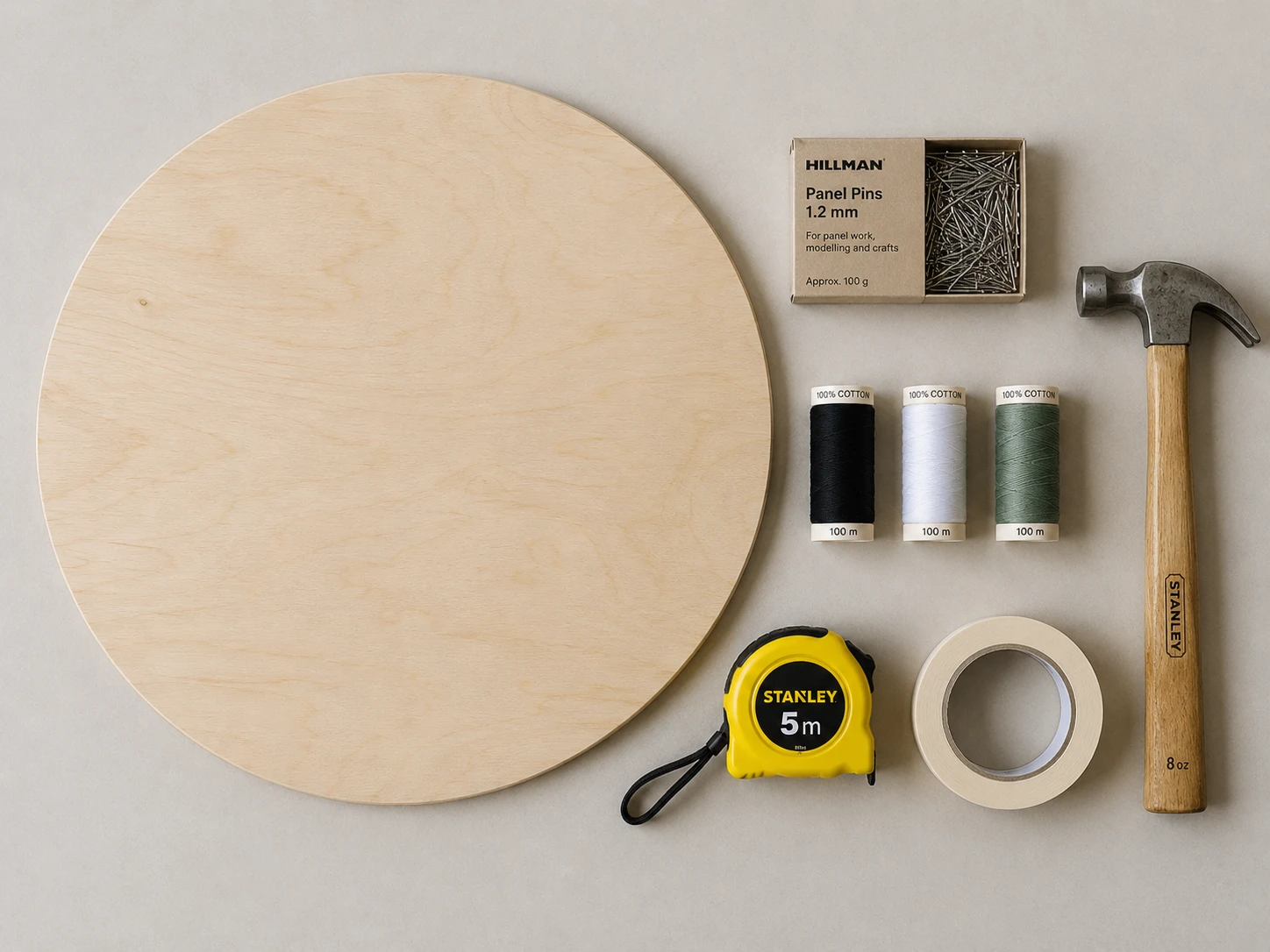 Materials
Board thickness, nail size, thread weight.
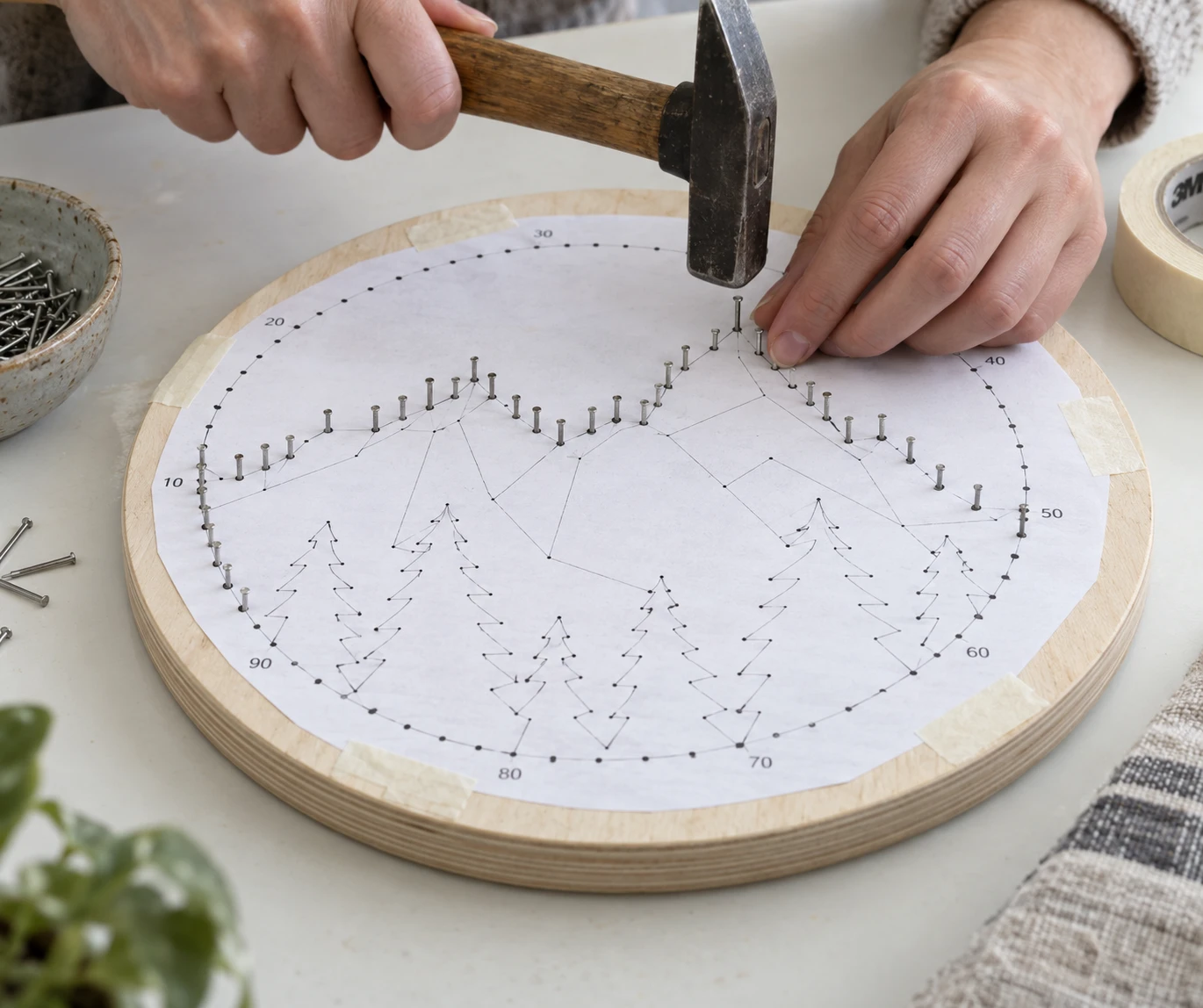 First project
From the printed template to the last knot.
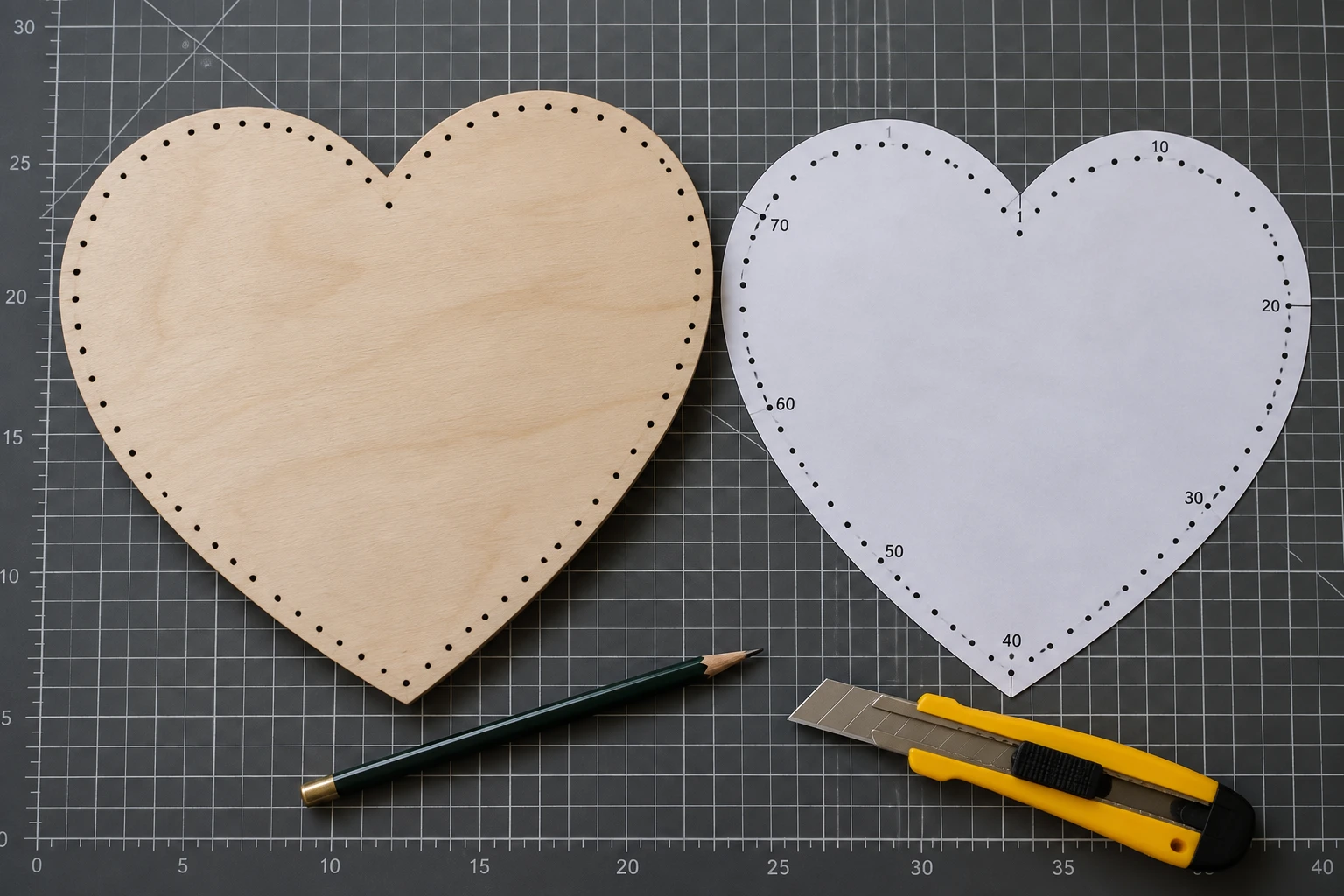 Shapes
One closed contour, no holes: what works and why.
How skips and multipliers shape the curve.
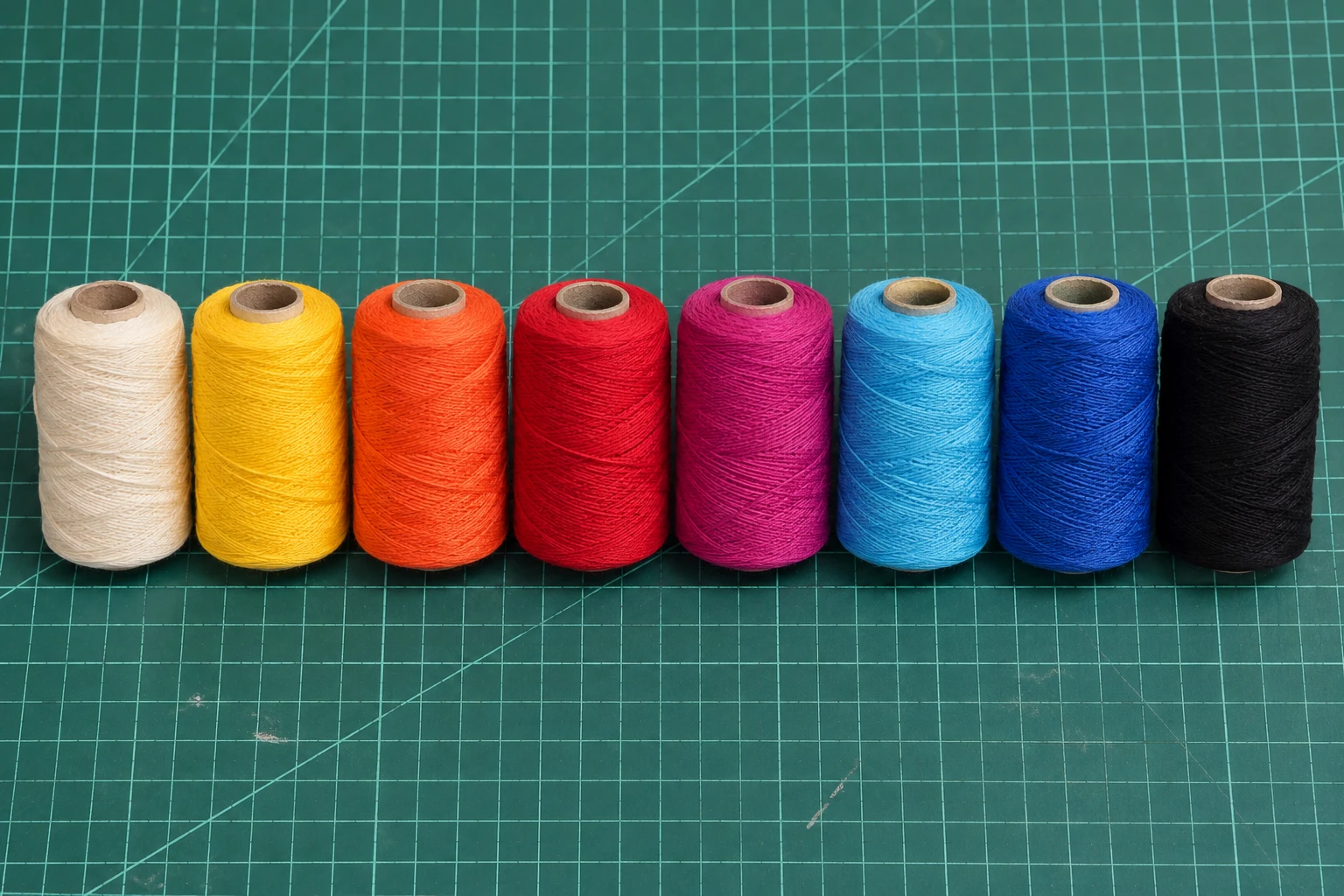 Colour
Choosing threads and their order.
Yes. Generate patterns, download images, print templates and save nail-by-nail instructions without an account. An optional paid pass only adds cloud backup when sales are open.
It stays in your browser. Image processing and pattern generation happen on your device. Device saves and downloaded backups can include a reduced photo so you can edit later. Cloud backups contain the pattern only.
The preview is a guide. Thread thickness, board colour, tension and nail placement all change the finished work. Start with a small test and use the same numbering direction as the template.
A rigid board that can hold nails, evenly spaced nails, contrasting thread, a hammer, scissors and a printed template. Our materials guide explains how to choose them.
One closed outline: a path, polygon, rectangle, circle or ellipse. Paths may use M, L, H, V, C, S, Q, T and Z. Arcs, holes, several shapes, transforms, styles, scripts and external references are rejected before anything is stored.